
Small space home office with corner desk design works because it turns a “dead” corner into usable workspace, without demanding a whole room or a bulky desk footprint. If your laptop keeps migrating to the kitchen table, this setup is often the fastest way to reclaim focus and keep work gear from taking over your home.
It also tends to solve a quieter problem: in tight layouts, the wrong desk placement makes the room feel cramped and visually messy, even when you keep things clean. A corner desk can reduce walk-around space, improve cable routing, and create a natural zone for work, which matters more than people expect.
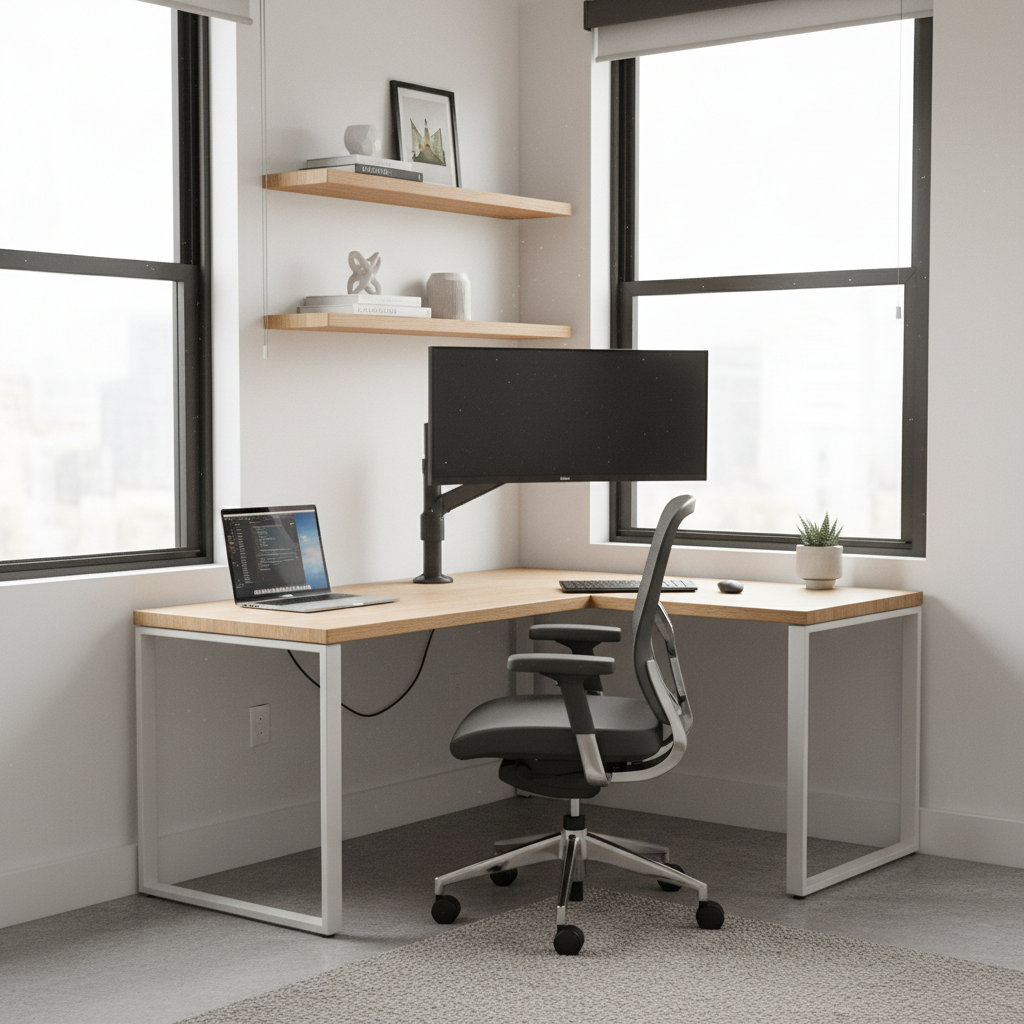
One common misconception is thinking “corner desk” automatically means “big L-shaped desk.” In reality, corner desks range from tiny triangular tops to shallow L-shapes and wall-mounted solutions. This guide breaks down what to choose, how to place it, and how to make it comfortable when every inch counts.
Why corner desks work so well in small rooms
A good corner layout usually feels bigger, not smaller, because it concentrates work tools into one visual zone. Instead of having a desk jutting into the room, you’re using two walls that already exist.
- Less wasted circulation space: you typically need fewer “walk-around” inches versus a desk centered on a wall.
- More surface where you need it: the corner area holds monitors, a lamp, and a notebook without forcing a deeper desk.
- Cleaner cable routes: power outlets are often on adjacent walls, which can make cord paths shorter and less visible.
- Clear boundary for work: psychologically helpful if your “office” is also your bedroom or living room.
According to OSHA, a comfortable workstation generally supports neutral posture and reduces awkward reaching, which is hard to achieve when you’re perched at a too-small table. Corner desks can help, but only if the size and monitor placement make sense.
Quick self-check: is a corner desk the right move for you?
Before shopping, it’s worth doing a simple reality check. Small spaces punish the wrong purchase, and returns are a pain.
- You can dedicate at least one true corner (not blocked by a radiator, baseboard heater, or a frequently used door).
- You mostly work with one laptop or one monitor, or you’re open to a monitor arm to save depth.
- You want visible organization (shelves, pegboard, vertical storage) more than extra drawers.
- You can control glare from a nearby window with blinds or repositioning.
If you regularly spread out paper, crafts, or dual 27-inch monitors all day, you may still do a corner setup, but you’ll likely need a deeper top, an L-shape, or a wall-mounted secondary surface.
Corner desk types (and what they’re actually good at)
Not all corner desks solve the same problem. Matching the desk type to your work style is where most small-space wins come from.
1) Compact corner desk (triangular or curved front)
Best for email-heavy work, laptop use, and quick setup. It saves floor space, but it can feel tight if you need a keyboard, mouse, and notebook at the same time.
2) Small L-shaped corner desk
This is the “two zones” option: one side for the monitor, the other for writing, printing, or a docking station. In many small rooms, a shallow L-shape beats a deep, bulky one.
3) Wall-mounted corner desk (floating)
Great when you want the floor clear for cleaning or a small room to feel open. Installation quality matters; if you rent, check what your lease allows, and consider removable solutions where possible.
4) Corner desk + shelving system
When the desktop must stay minimal, adding vertical storage makes the setup feel “complete” without adding a large cabinet. This is often the sweet spot for a small space home office with corner desk design in apartments.
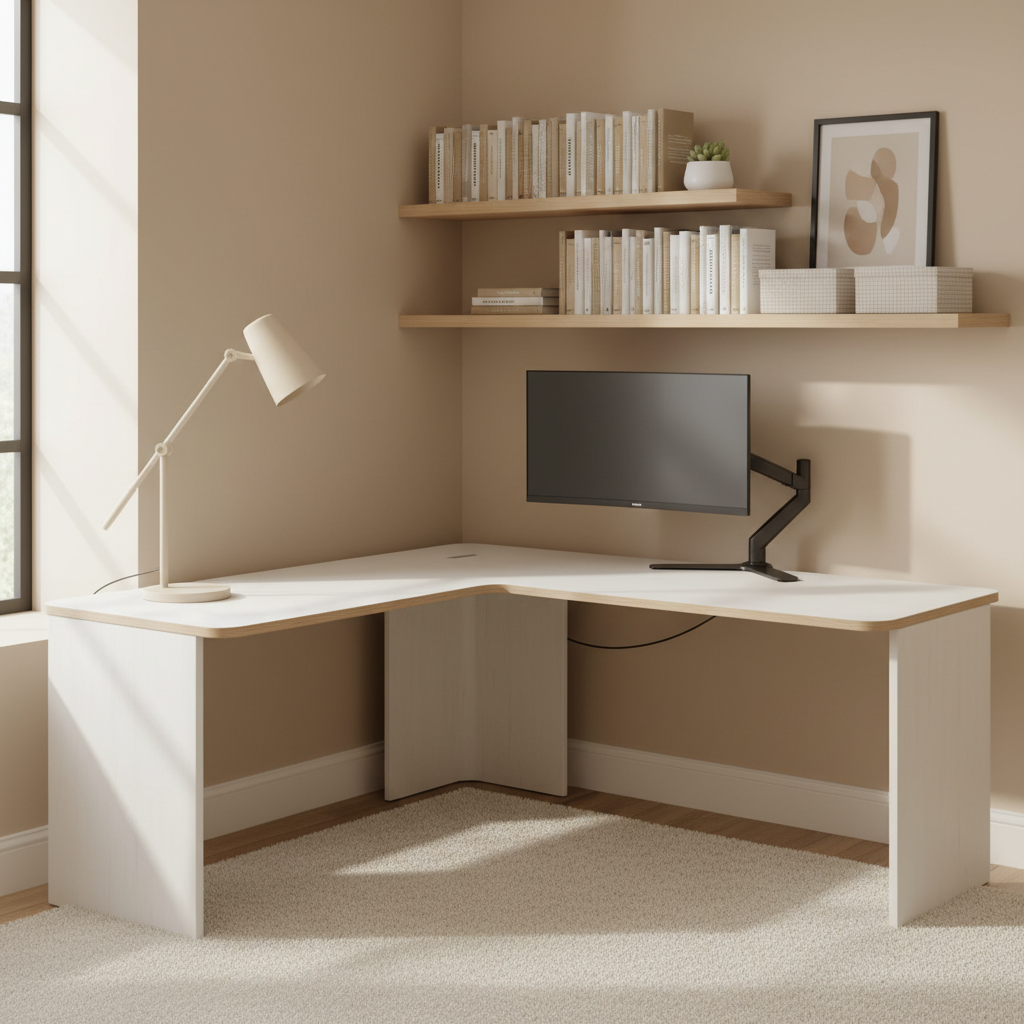
Measurements that matter (a small table beats a wrong desk)
In tight rooms, a few inches changes everything. Instead of chasing “standard sizes,” focus on fit and comfort.
- Desk depth: many people are fine with 18–24 inches for laptop work; dual monitors often feel better with more depth or a monitor arm.
- Knee clearance: avoid drawer stacks where your legs need to go, especially if the corner angle pushes you forward.
- Chair space: make sure you can roll back without hitting a bed frame or sofa edge.
- Door and closet swing: corners look open until you realize the closet door now hits your chair.
According to ANSI/HFES workstation guidance referenced across ergonomics education, keeping screens at a comfortable height and distance supports neutral neck posture. In small spaces, that often means elevating the monitor and reclaiming desk depth with an arm or wall mount.
Layout playbook: 3 proven corner setups for small homes
You don’t need a full remodel. These are the patterns that usually work with apartments, condos, and smaller houses.
Setup A: “One wall power” corner
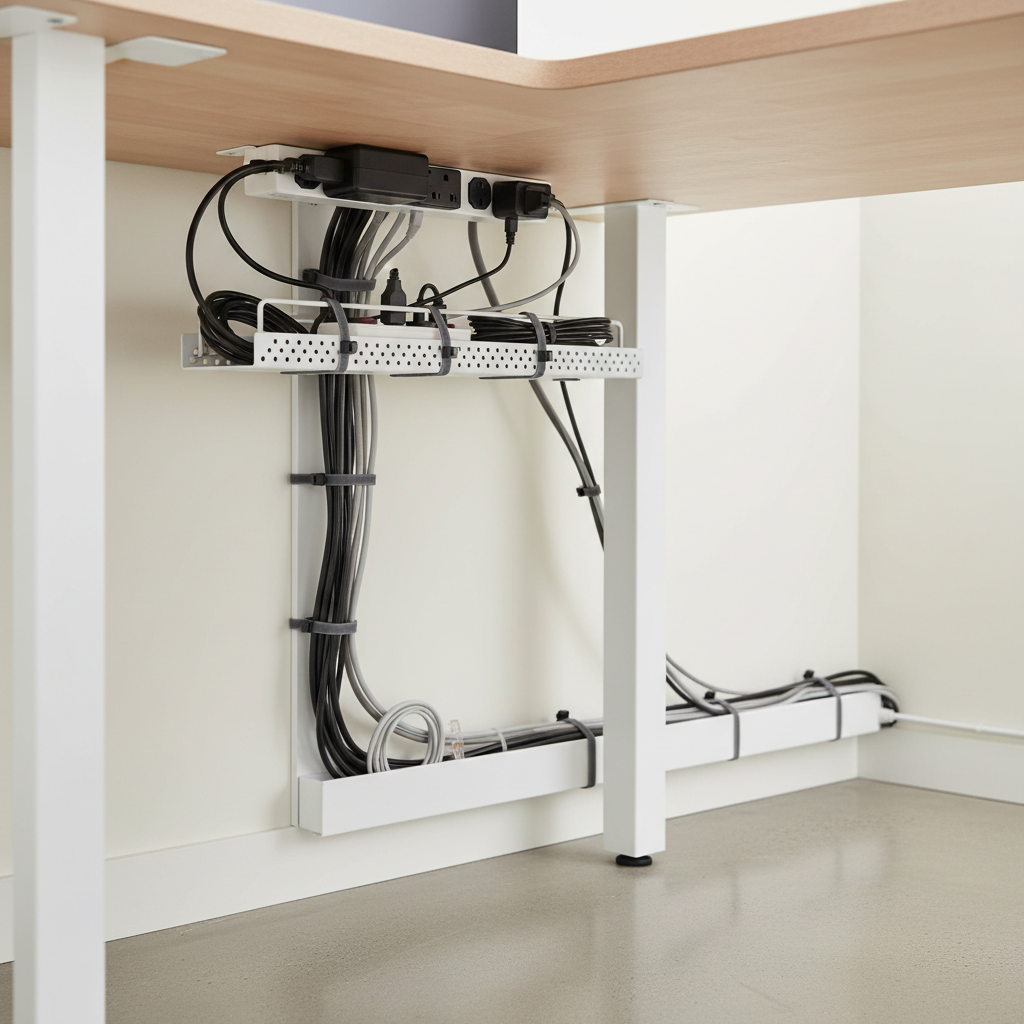
Use the corner, but place the desk so your power strip and cable bundle run along the wall with the outlet. Result: fewer cords crossing your leg area.
- Mount a surge protector under the desktop (adhesive or screw-in, depending on desk material).
- Use one cable sleeve to drop to the outlet.
- Keep chargers in a small tray so they don’t scatter.
Setup B: “Window-adjacent” corner (glare managed)
Natural light feels good, but glare makes meetings miserable. Position the monitor perpendicular to the window when possible, then add a simple shade or curtain.
Setup C: “Bedroom corner” with visual separation
If your office lives next to your bed, add one separating cue: a small rug under the chair, a tall plant, or a slim bookcase. That tiny boundary makes it easier to mentally clock out.
Practical upgrade list: comfort + storage without bulk
Most people try to fix small-space problems by buying more furniture. The better move is usually a few targeted upgrades.
- Monitor arm: frees surface area, improves screen height control.
- Vertical organization: floating shelves, pegboard, or rail system above the desk.
- Task lighting: a clamp lamp reduces footprint and improves video-call lighting.
- Compact filing: a slim rolling file that can tuck under the “long” side of an L-desk.
- Acoustic help: a soft rug or curtain can reduce echo in hard-surface rooms, which may improve call quality.
For the small space home office with corner desk design to feel “done,” prioritize one thing: clear desktop space in front of you. That usually matters more than matching decor.
Common mistakes to avoid (these waste space fast)
- Buying depth you can’t use: deep desktops become clutter zones, especially in tight rooms.
- Ignoring chair fit: a great desk with a chair that can’t slide in properly becomes a daily annoyance.
- Putting storage on the desktop: use vertical space; desktop organizers often eat the area you need for hands and forearms.
- Forgetting heat/airflow: don’t block vents or baseboard heaters; if you must sit near one, consider a different corner.
- Underestimating cable sprawl: cords on the floor make the space feel messy even when everything else looks good.
If you feel stuck, step back and sketch the corner with a tape measure. Five minutes of measuring often prevents weeks of “why does this feel cramped?”
A simple decision table: pick a corner desk setup that matches your work
Use this as a quick filter when comparing products and layouts.
| Work style | Best corner desk type | Must-have add-on | Watch out for |
|---|---|---|---|
| Laptop + occasional notes | Compact corner desk | Clamp lamp | Too little elbow room |
| Monitor + keyboard daily | Shallow L-shaped desk | Monitor arm | Drawer pedestal blocking legs |
| Small room, want open floor | Wall-mounted corner desk | Floating shelves | Weak mounting or rental limits |
| Calls/meetings + tidy background | Corner desk + shelving | Soft front lighting | Clutter visible behind you |
Wrap-up: make the corner do the heavy lifting
If you want a workspace that feels intentional, a small space home office with corner desk design is usually a smart bet because it saves floor area and creates a dedicated work zone. Focus on fit, screen comfort, and vertical storage, then handle cables early so the whole corner reads as calm instead of crowded.
Your next step can be simple: measure the corner, pick a desk style that matches how you work, then choose one upgrade that improves comfort right away, often a monitor arm or better lighting.
Key takeaways
- Use the corner to reduce visual clutter and protect open floor space.
- Measure chair clearance as carefully as desk width.
- Go vertical with shelves or pegboards instead of adding cabinets.
- Fix cables early, it changes how “small” the room feels.
FAQ
- What is the best corner desk shape for a very small room?
Many people do well with a compact triangular or curved-front corner desk, because it keeps the footprint tight. If you need two work zones, a shallow L-shape can still work if it doesn’t block chair movement. - How do I avoid monitor glare in a corner office near a window?
Try to place the screen perpendicular to the window, then adjust blinds or add a light-filtering curtain. If glare persists, a monitor hood or repositioning the desk a few inches can make a surprising difference. - Can I fit a corner desk in a bedroom without making it feel like an office?
Usually yes, if you keep the setup visually contained. A single shelf above the desk, a small rug under the chair, and closed storage for supplies helps the “work zone” feel separate. - Is an L-shaped desk always better than a standard corner desk?
Not always. L-shapes add surface area, but they can overwhelm narrow rooms or block doors. If your tasks are mostly laptop-based, the extra surface may become clutter space. - What’s a realistic way to add storage without a filing cabinet?
Wall shelves, a pegboard, or a slim rolling file under the longer side of the desk often beats a big cabinet. In small rooms, vertical storage tends to feel lighter. - How should I manage cables in a corner setup?
Mount a power strip under the desk, route cables along the back edge, and drop one bundled sleeve to the outlet. If you’re unsure about electrical safety or outlet load, it’s smart to consult a qualified electrician. - Do corner desks work for dual monitors?
They can, but you’ll likely want a monitor arm to reclaim depth and keep screens at a comfortable distance. If the desk is too shallow, dual monitors can force you into awkward posture.
If you’re trying to plan a small corner workspace and want a more “done” look without guesswork, it may help to start with a simple layout sketch and a short shopping list, then build around one desk that truly fits your corner instead of the other way around.